Bug #23826
closedLibrary upload process lags but file uploaded and notification sent out
0%
Description
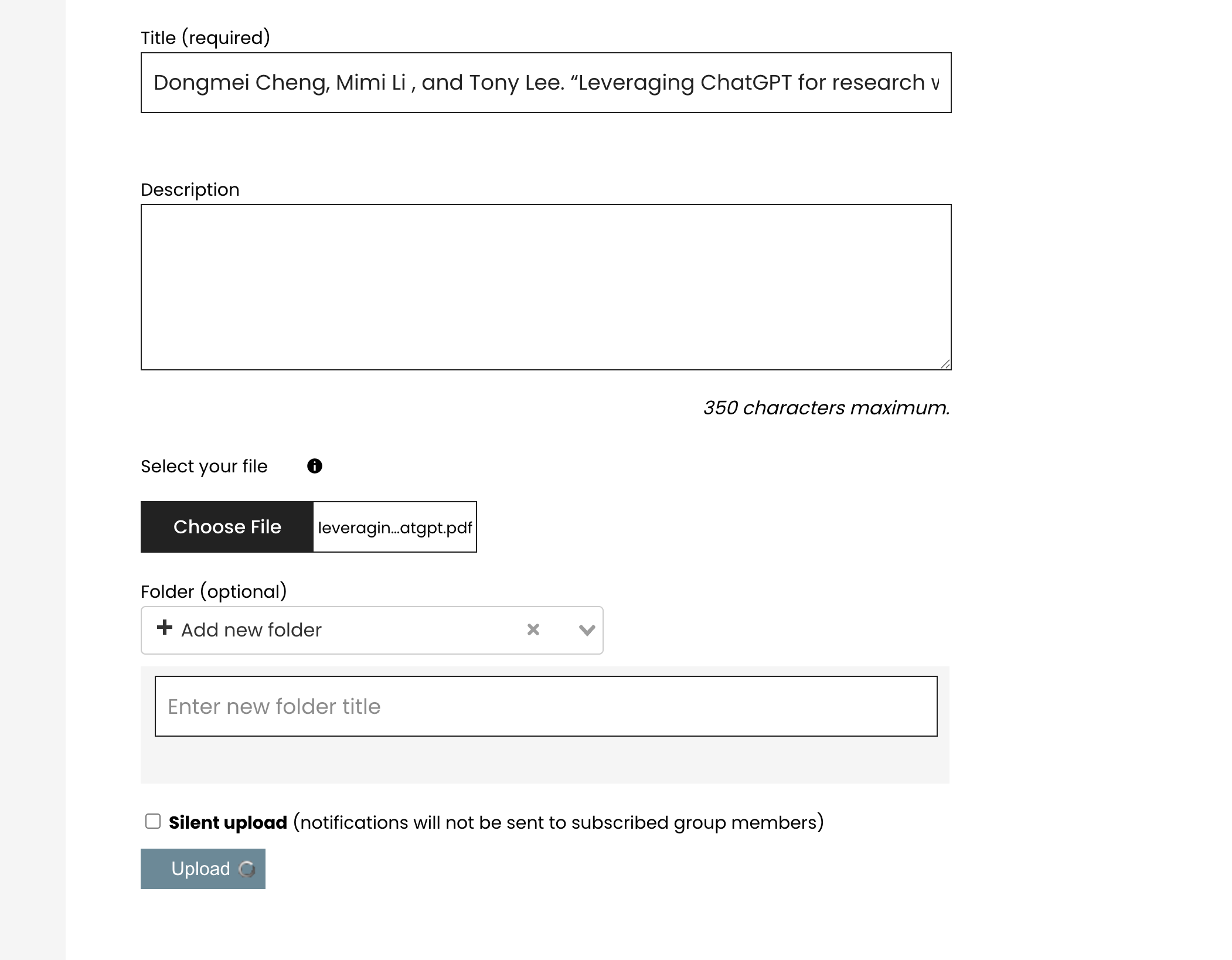
I just had the experience of uploading a file to a group library. I started the process of uploading it, but after I selected the file and clicked upload, the progress animated icon (a rotating circle on the upload button) just kept rotating and didn't stop even ten minutes later. However, as I looked at it in another browser window, the file did appear to upload to the group library and an email notification was sent out
Files
Updated by Boone Gorges 6 months ago
- Assignee changed from Raymond Hoh to Boone Gorges
Are you able to share the PDF you were trying to upload?
Updated by Boone Gorges 6 months ago
- Status changed from Assigned to Reporter Feedback
Thanks. I've been unable to reproduce an error when uploading to a test group.
Do you have any private test groups where you could test your upload? It would be helpful to know whether this problem is specific to the group in question.
Perhaps you could also share the full text you're attempting to enter into the title field. There's a slight chance that something in that field is triggering an error.
It's also possible that this was all a temporary glitch due to server load or something. If you provide the name or URL of the group where you tried to upload, and ideally a rough time, I could check the logs for errors.
Another thing you could do to help, if you're able to reproduce the problem, is to open the browser's dev tools (F12); change to the Network tab; filter by 'Fetch/XHR' (might also be called 'AJAX' or similar), then see what the 'library-items' POST request returns as a result.
Updated by Boone Gorges about 1 month ago
- Status changed from Reporter Feedback to Abandoned
I haven't heard more instances of this, so I'm tentatively closing