Bug #19118
closed
Created New Site --> Critical Error
Added by Laurie Hurson almost 3 years ago.
Updated almost 3 years ago.
Category name:
Site cloning
Description
Hi All,
I just created a new site https://oepi2024.commons.gc.cuny.edu/
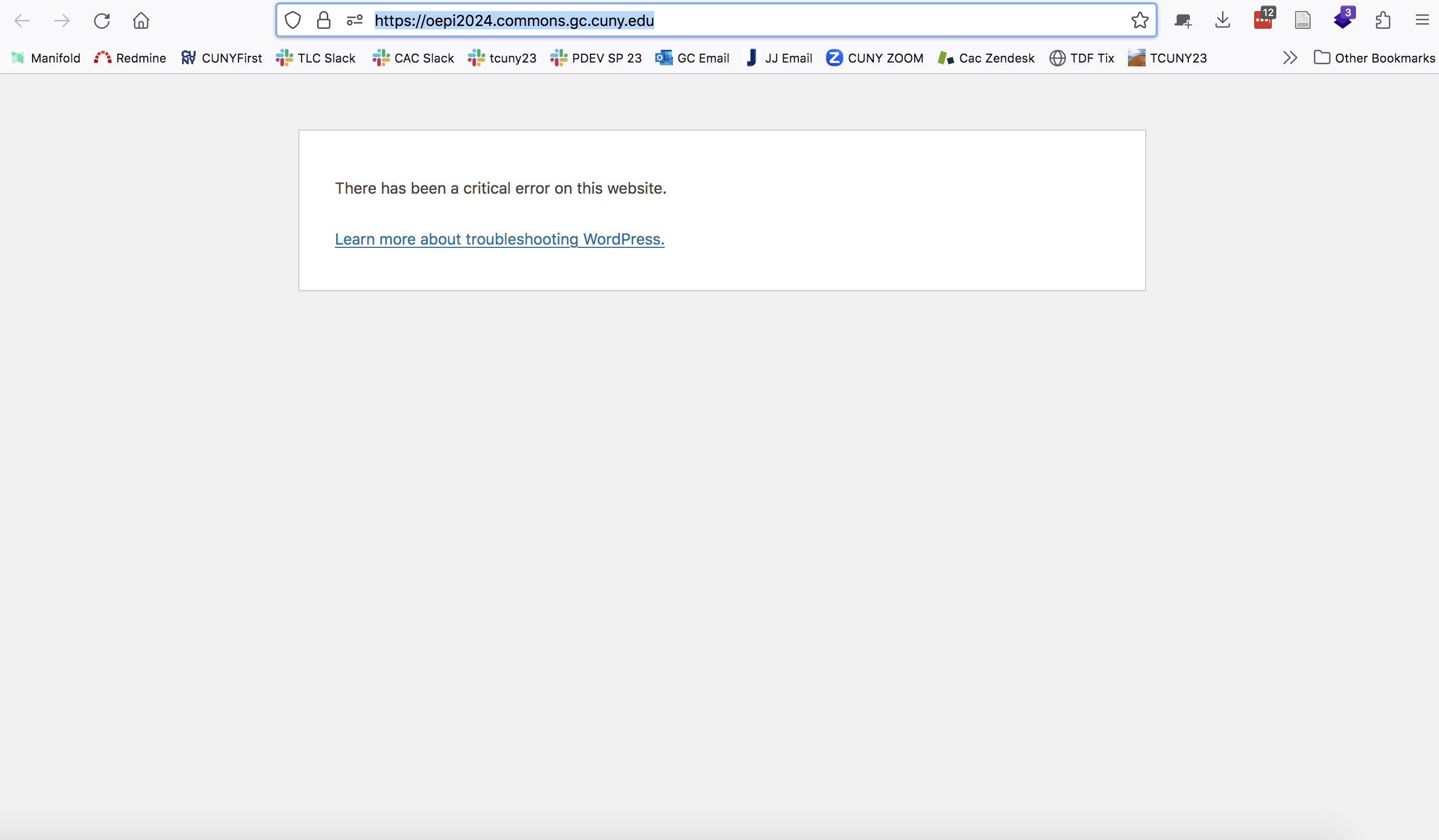
And when I went to go to the site, I get a critical error. It appears the site has been created but I cannot reach it in firefox or chrome.
I believe Marilyn has a ticket in zendesk with a user reporting the same error.
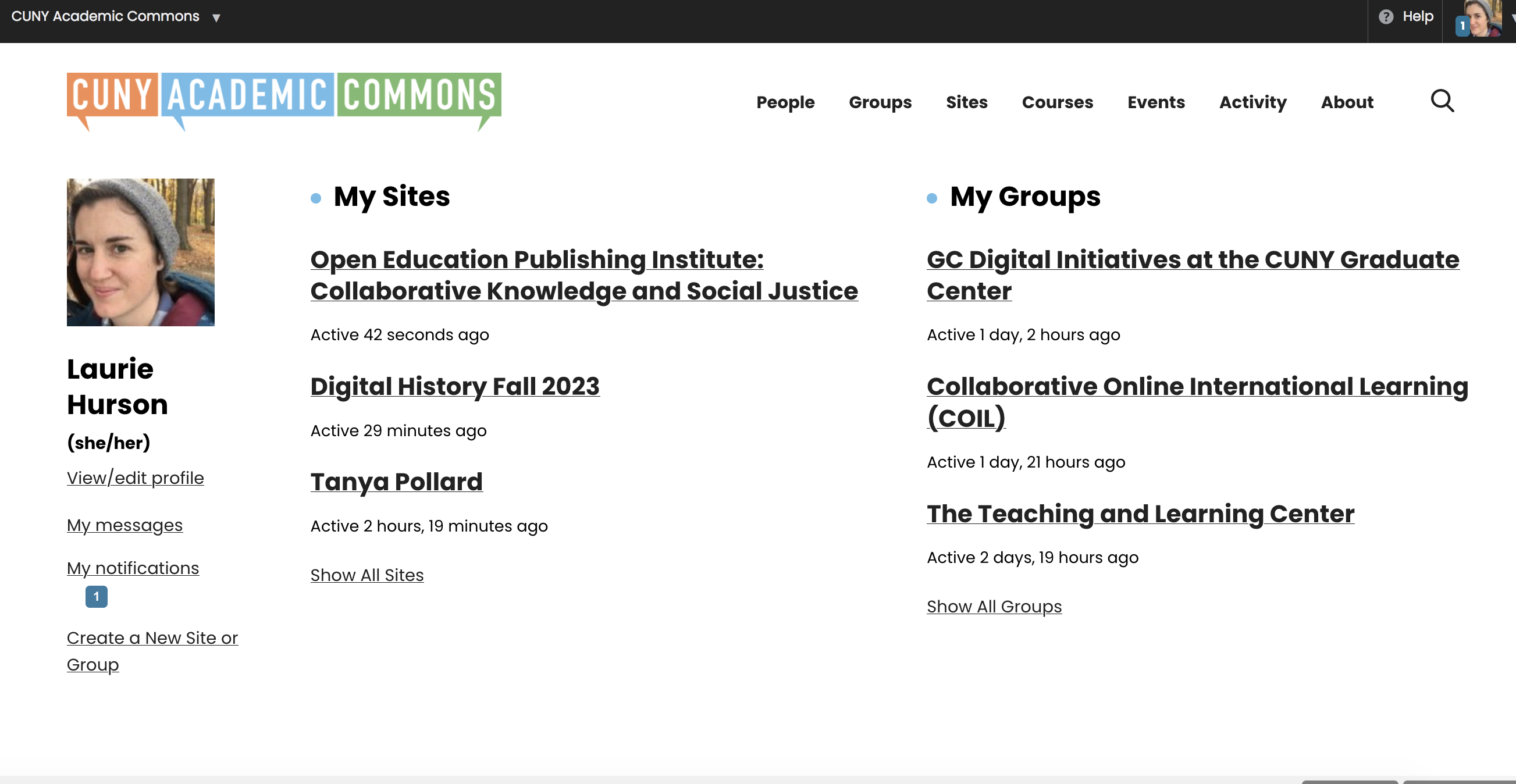
Screenshots attached.
Files
Ah, sorry I missed that ticket. I don't know iff there is a way to combine or link tickets
I just experienced this issue again ~15 mins ago.
Hi Laurie, I've just fixed up oepi2024.commons.gc.cuny.edu.
Were you working on the site when the critical error message popped up? If so, can you remember what you were doing? You created the site and immediately there was a critical error when you reached the new site? If so, I will try and debug this process.
Thanks Ray! I can access the site now.
I had only created the site. It was cloned from an old site: oepi.commons.gc.cuny.edu/.
When i clicked the link in the green box on the creation confirmation page, I got the error. I was never able to access the site after creation.
- Category name set to Site cloning
- Status changed from New to Staged for Production Release
- Assignee set to Raymond Hoh
- Target version set to 2.2.2
This should be fixed now.
When we deployed the new Commons Profile and Account Settings redesign, I left a filter meant to be used to make things easier during testing. However, this filter affected the site cloning process. I've just removed the filter: https://github.com/cuny-academic-commons/cac/commit/2582798911a1e990c07fe7194132438c08b696ee . I just tested cloning a site and this should be working again.
Apologies for all the support tickets you had to attend to, Marilyn!
- Status changed from Staged for Production Release to Resolved
Also available in: Atom
PDF