Design/UX #22840
closedEmail Documentation & Design Updates
100%
Description
Here is the google sheet that I created for the emails that the commons sends. I've noted some emails that do not have formatting. Designs for these emails are linked in the google sheet.
https://docs.google.com/spreadsheets/d/1sh-mSy1wodhmNnPLP2Eu3e3RCVy6dB5ytSwyXQ2QiOo/edit?usp=sharing
This list will be ongoing just incase we get a rogue email that is not formatted. Current formatting is needed on:
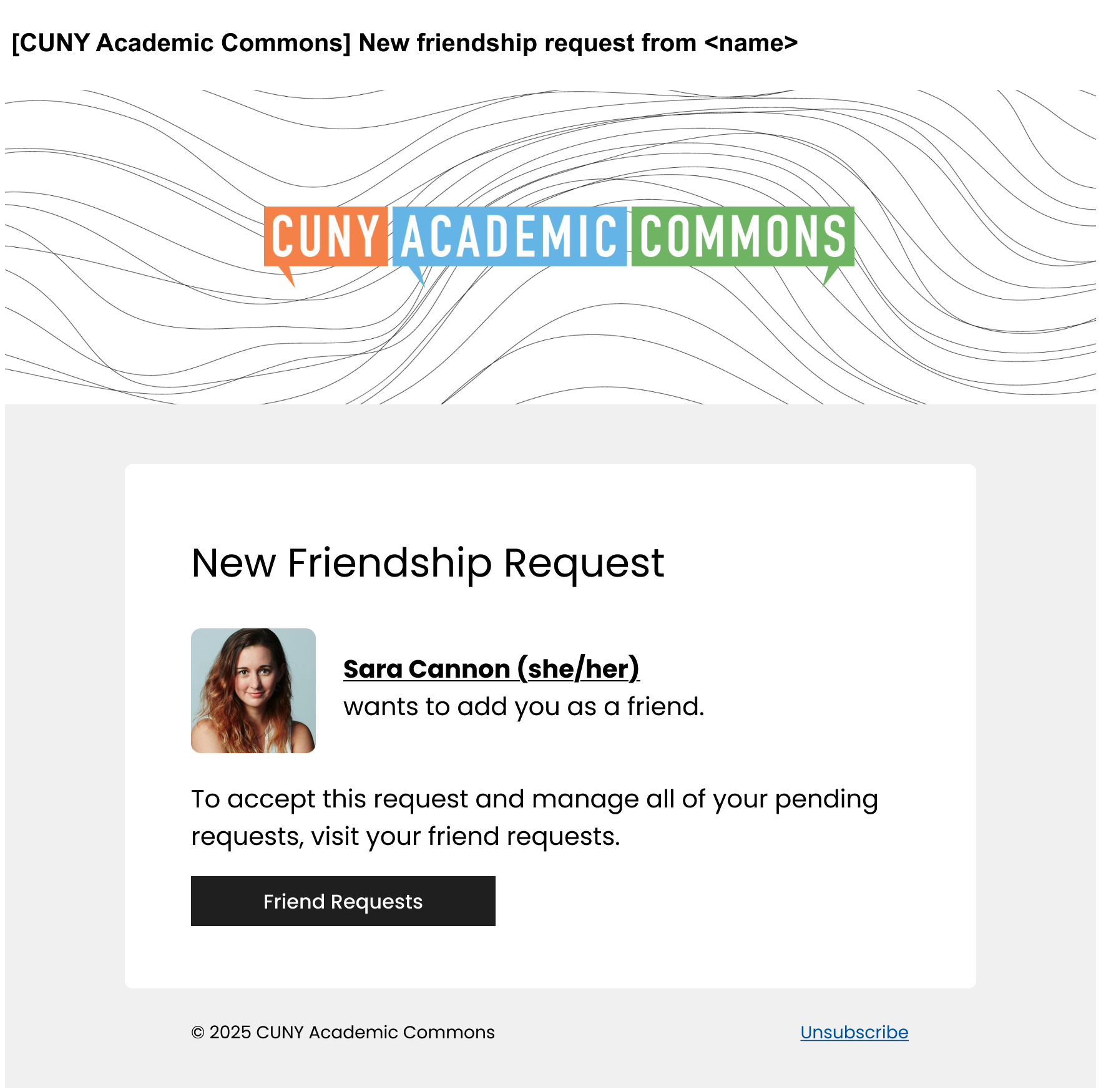
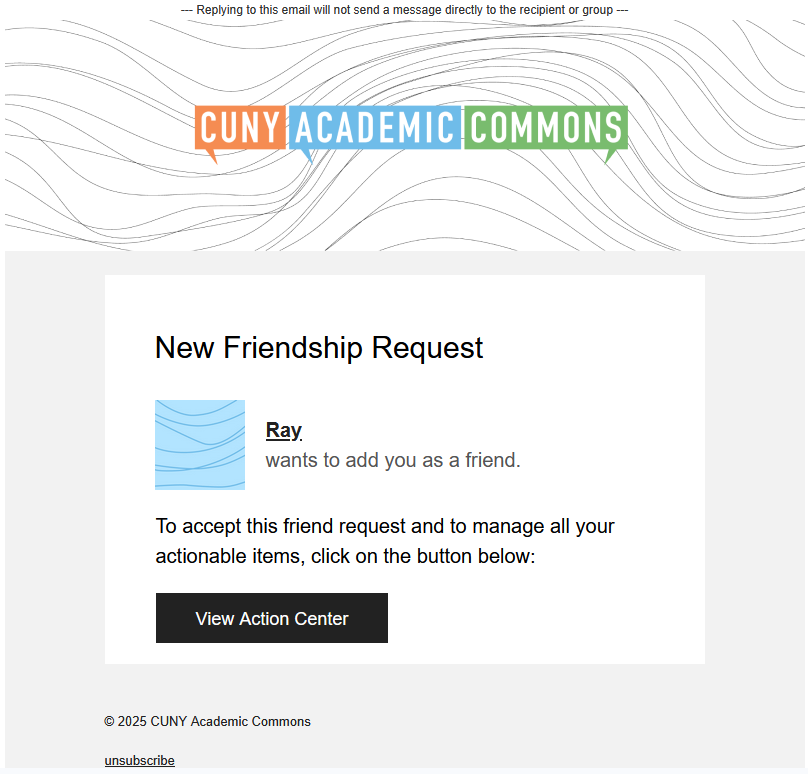
New Friendship Request
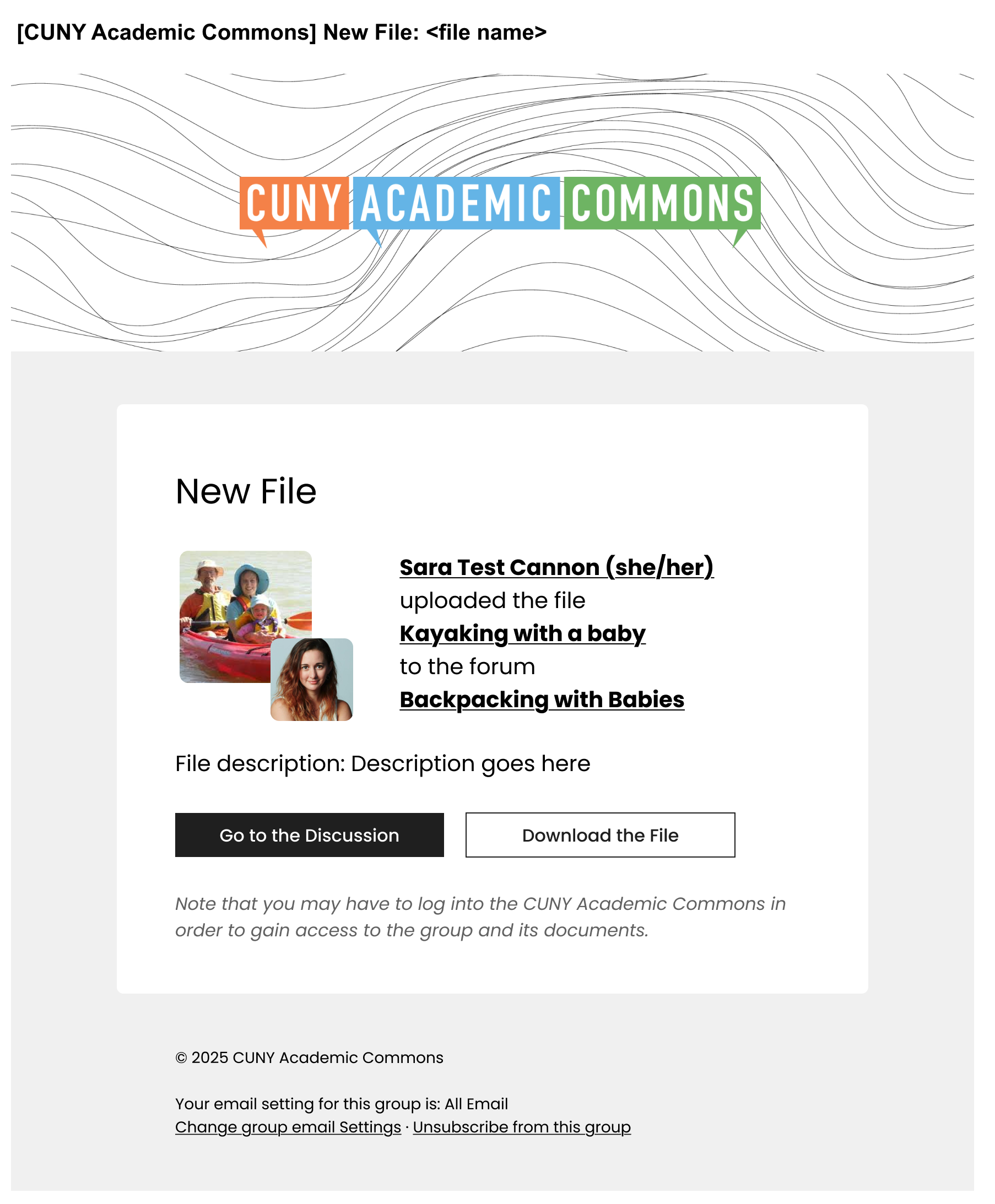
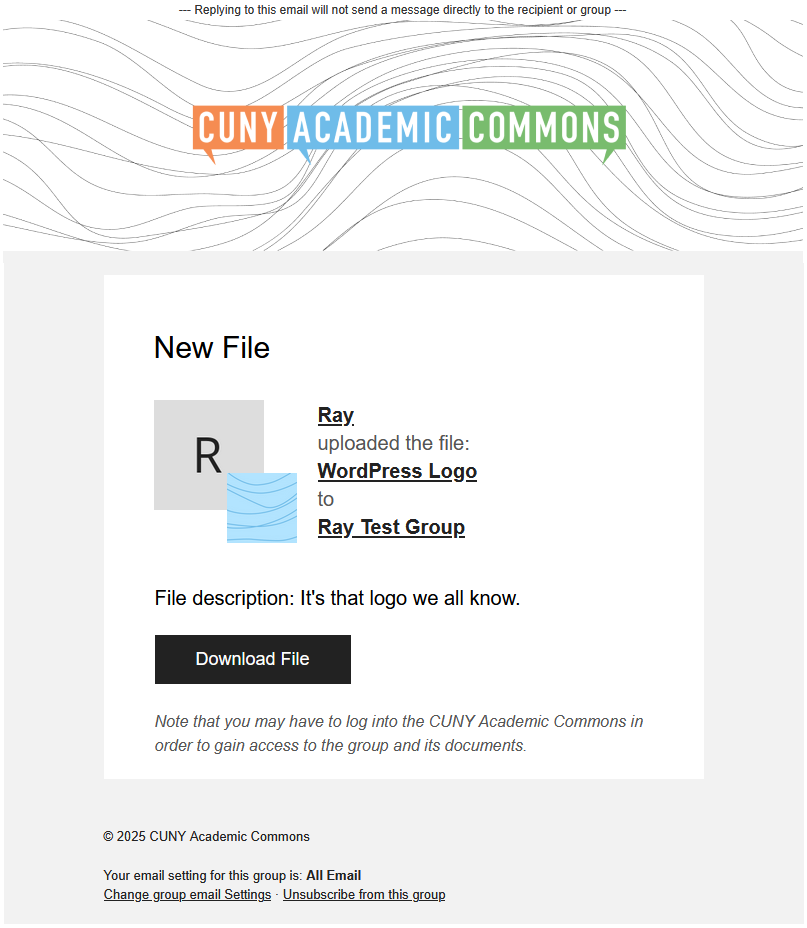
New File in Group
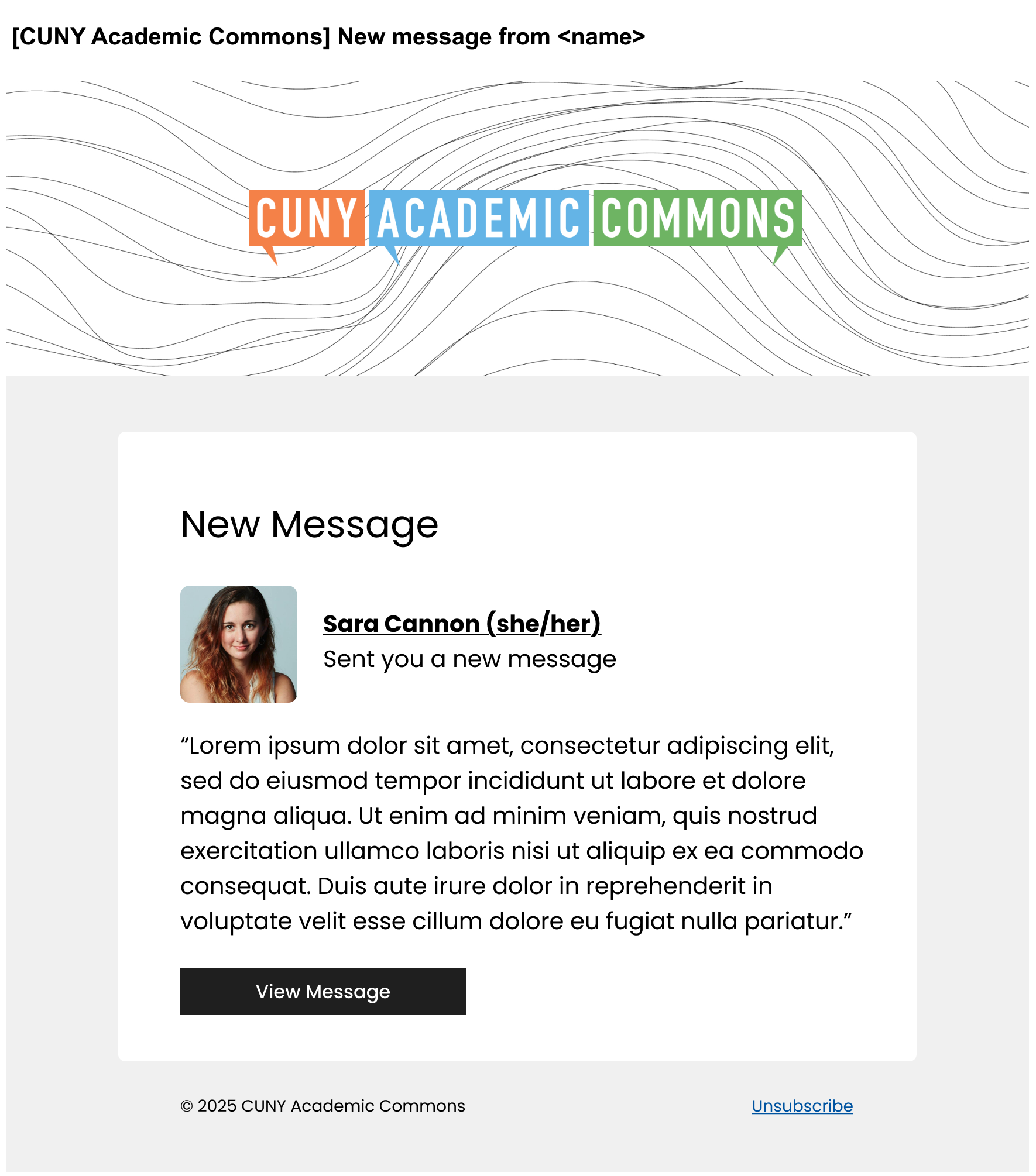
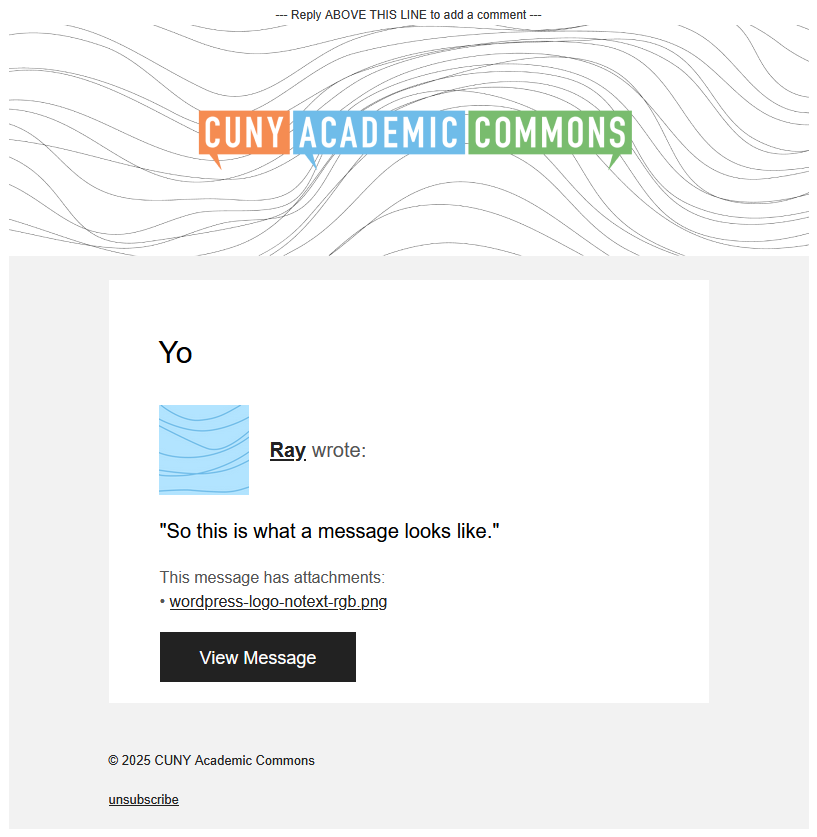
New Message
Reply By Email Error (design forthcoming)
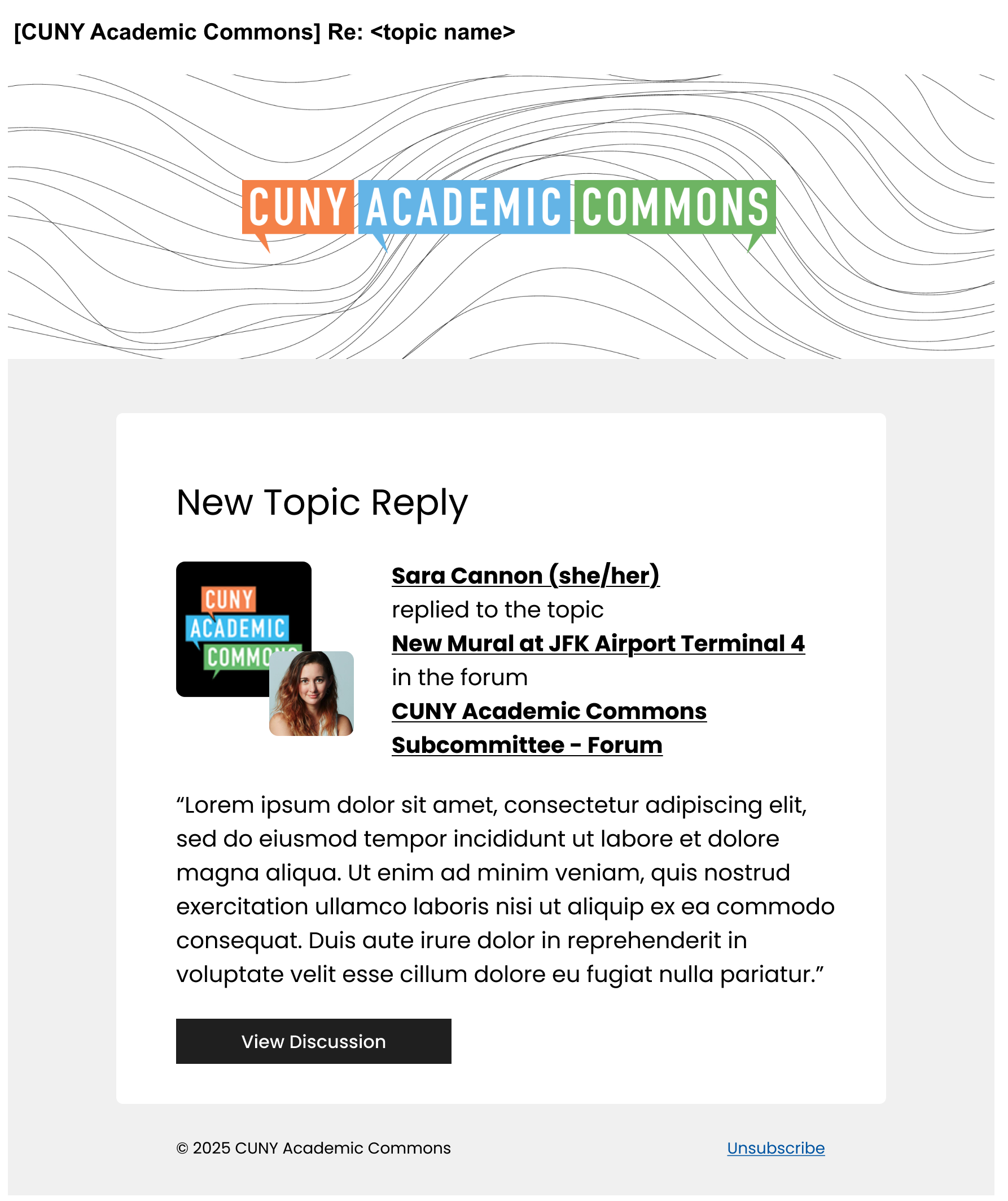
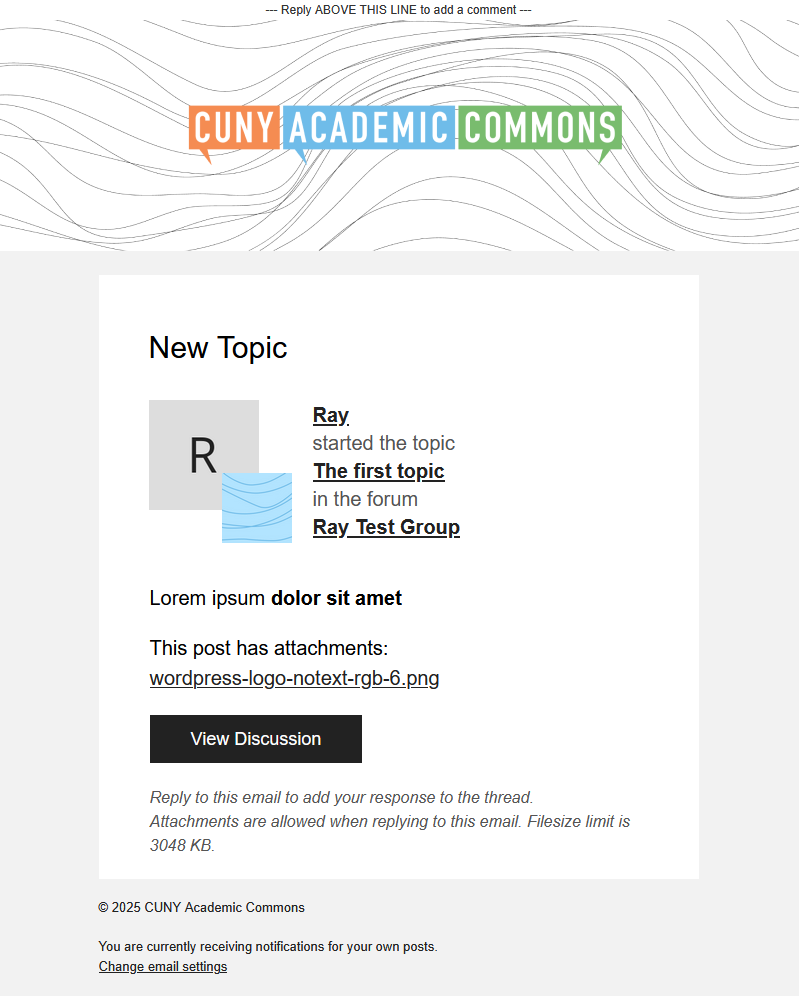
Reply To Topic
Files

Updated by Raymond Hoh about 1 year ago
- File new-message.png new-message.png added
- File new-topic.png new-topic.png added
- File new-friendship-request.png new-friendship-request.png added
- File new-file.png new-file.png added
- File new-event.png new-event.png added
- File buddypress-emails.png buddypress-emails.png added
- Category name set to Email Notifications
- Target version set to 2.6.0
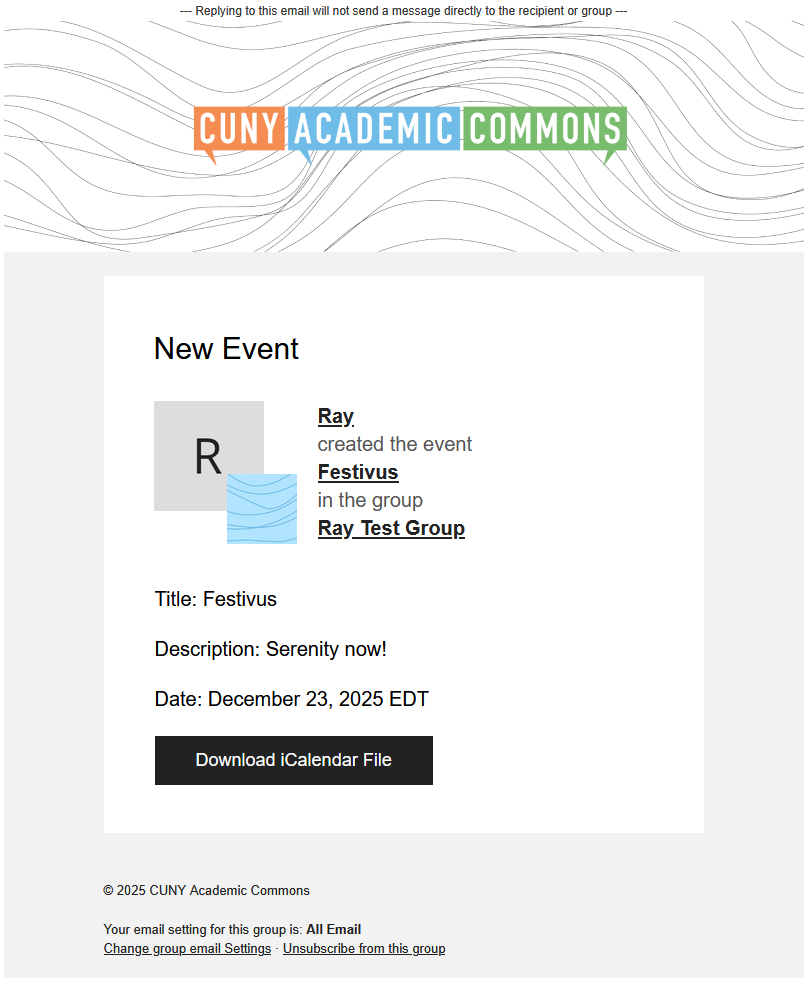
I've started work on the email redesign that Sara has made mockups for. I've attached some screenshots that I took from GMail (web client) so the look-and-feel will not look 1:1 to the mockups due to the missing Google fonts, but for capable email clients, the font will display if you have allowed external fonts to be loaded. This is available for testing on cdev.
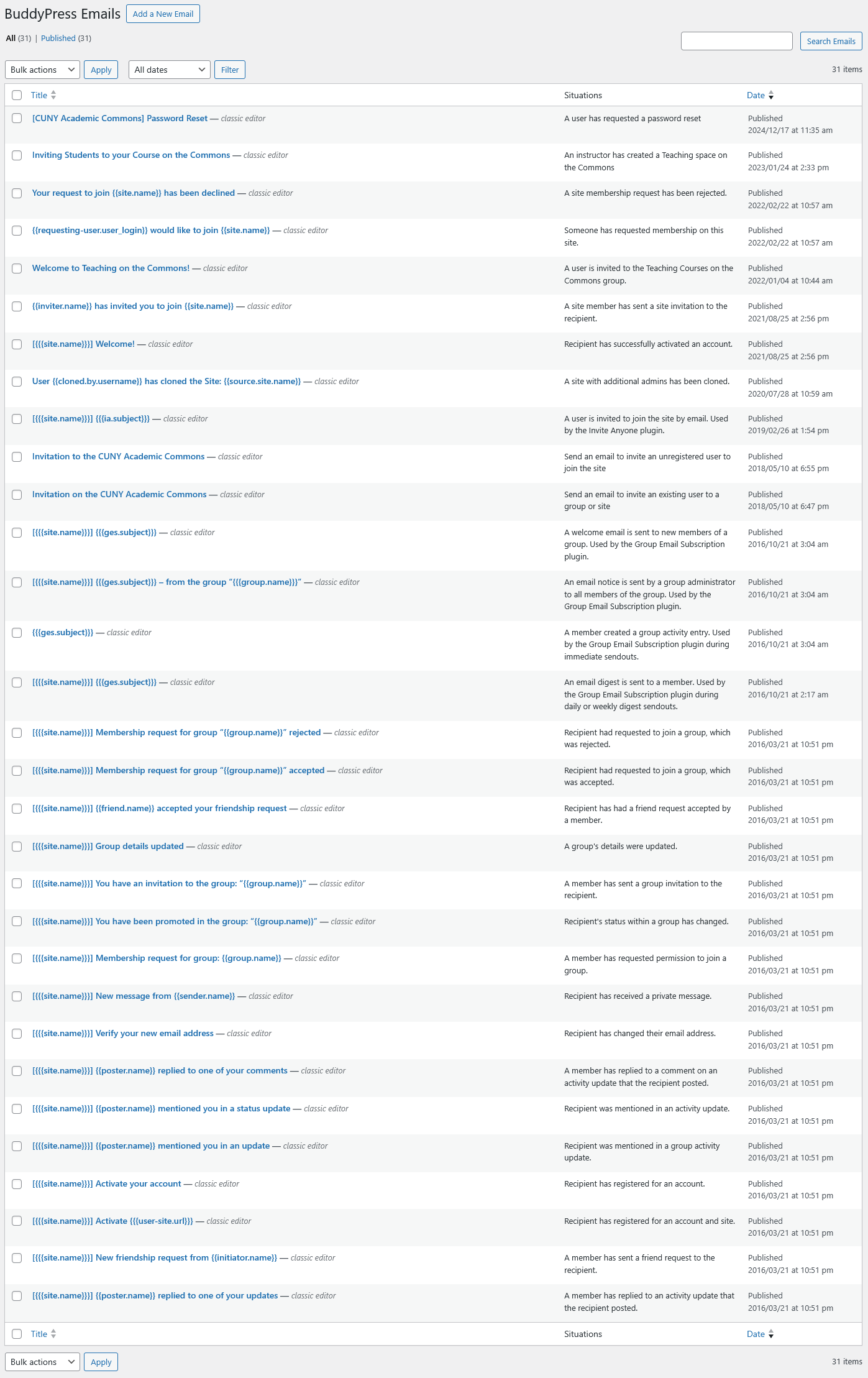
Notes for Sara:- There are a bunch more emails that are not styled. Check out https://commons.gc.cuny.edu/members/me/settings/notifications/ to see which other emails are being sent. Also see the attached screenshot named
buddypress-emails.pngfor a master list of all other emails potentially being sent out. Some of the emails in this list might not be in use on the Commons. Will need an audit. If you need any help with this, feel free to reach out to myself or Boone. - For the New Message email, I've changed the "New Message" email heading to reference the private message subject line that is used when composing a private message. I've also added message attachments to the body of the email.
- For the New Friendship Request email, I've changed the verbiage and button text to reference the Action Center page since that is where users should be managing their incoming friendship requests.
- The New File In Group email is sent when a file is uploaded to the group's Library, so I've removed the "View Discussion" button. However, if an attachment is added to a Forum Reply, then the attachment is listed at the end of the Forum Reply email.
- I've added a New Group Event email. The styling is mostly the same as the New File email, but it has a "Download iCalendar File" button instead of the "Download File" button.
- I've also added a Friendship Accepted email. No screenshot for this one.
- I still need to adjust the email footer so the Unsubscribe link is aligned to the right for applicable emails. I'll work on that on upcoming revisions.
- I've created a new branch for this work at
feature/22840-email-designand have merged the branch to 2.6.x. Commits can be viewed here: https://github.com/cuny-academic-commons/cac/compare/master...feature/22840-email-design. - I'm reusing the email template made for the registration, activation and password reset emails. See here.
- I added a "Date Modified" column to the BuddyPress Emails admin page since it wasn't clear which emails have been touched and modified in the backend. See https://github.com/cuny-academic-commons/cac/commit/14b611c9f65065337613340f3f391ea26afa2fd7.
- caniemail.com is a good reference guide for which CSS rules and HTML elements can be used in email. To achieve the avatar overlay in the mockups, I'm using the group avatar as a background image and a padding offset for the user avatar.
- Gravatars do not show up in Thunderbird, but do in GMail. Uploaded avatars show up fine in Thunderbird. I haven't tested other email clients yet.
- I chose to use the existing email post types in the DB so when it is time to deploy to production, the post content for the various email post types will need to be updated. I can provide a list of what needs to be updated once the team has signed off after testing.
I think next steps are we need to determine which other emails we will need to redesign and then, plan accordingly.
Updated by Colin McDonald about 1 year ago
I've added rows to Sara's Google Sheet attempting to get all of these in one place with no repeats:
- The emails she'd already listed there
- The emails in the settings page that Ray linked above
- The emails in the Buddypress emails screenshot that ray included above
https://docs.google.com/spreadsheets/d/1sh-mSy1wodhmNnPLP2Eu3e3RCVy6dB5ytSwyXQ2QiOo/edit?usp=sharing
I also extended the sheet drop-down for whether a given email needs formatting (Yes, No, In Review, and a new Low Priority option I added for emails that seem obvious to me that we can disregard for now due to low usage).
Sara and Ray, can you let me know what you think about prioritizing these new emails in the sheet? I also added some notes/questions of mine. Feel free to add another column with your own notes/responses or post things here in the ticket.
Updated by Colin McDonald about 1 year ago
Adding watchers just to make sure my last update goes around.
Updated by Raymond Hoh about 1 year ago
- File invite-member.png invite-member.png added
- File invite-non-member.png invite-non-member.png added
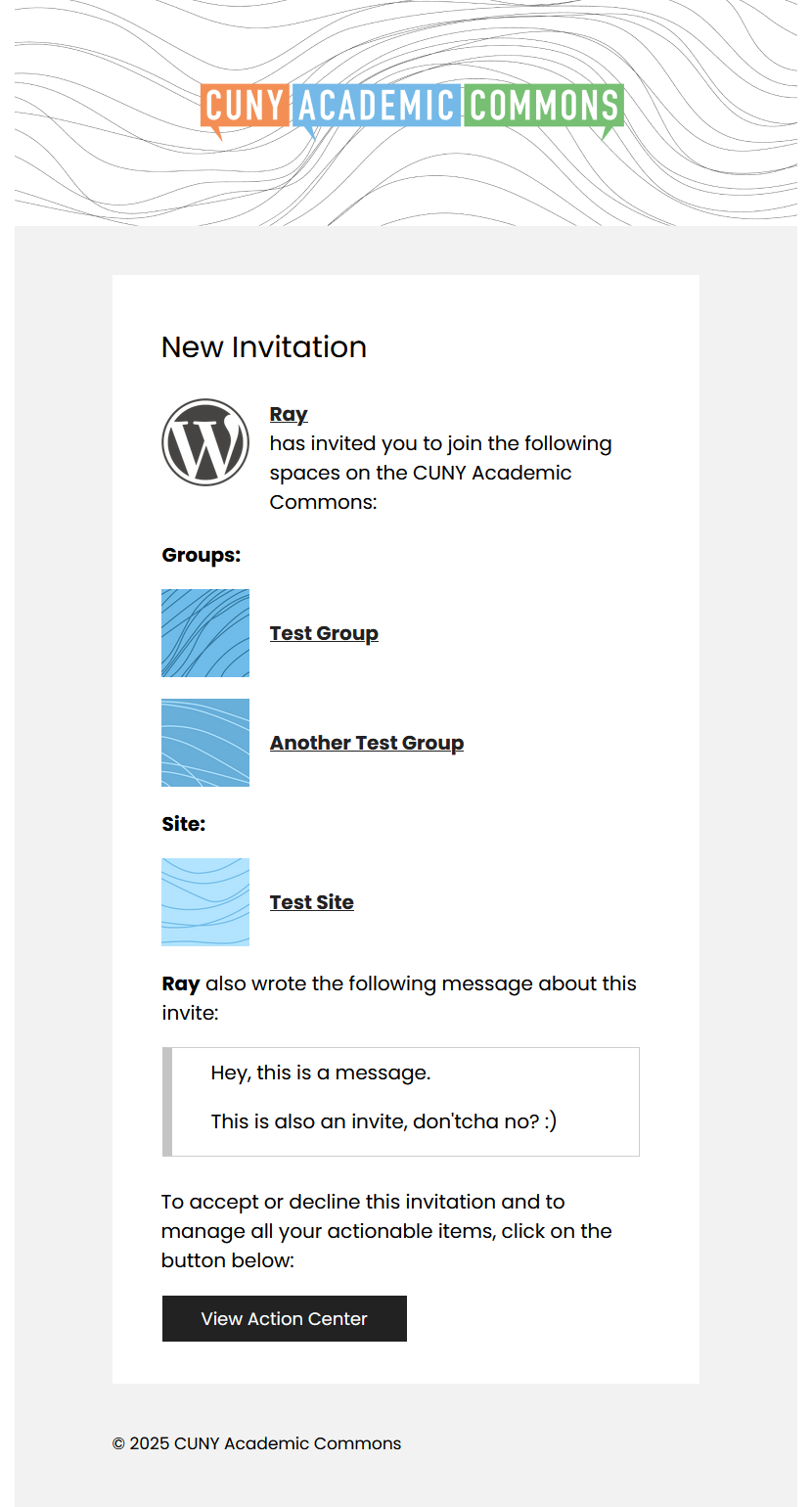
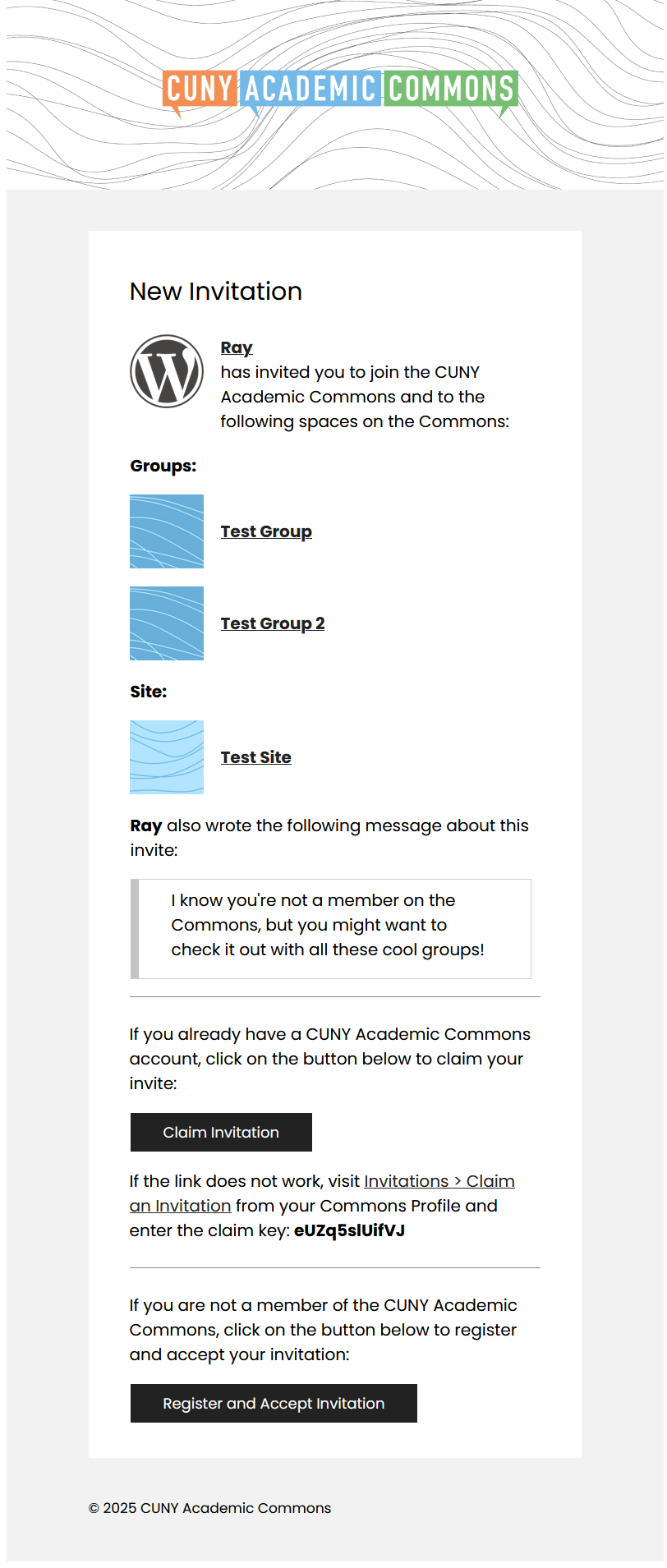
Just to update, all emails located on the "Account Settings > Notifications" page are now covered, as well as the two emails from the Invitations modal. The Invitations modal emails proved to be the most difficult to implement due to the dynamic nature of the invited content and having to use <table> HTML markup. I've attached just screenshots of the Invitations modal emails for now. These screenshots were taken from Thunderbird with remote fonts and images enabled.
The next two on my priority list for 2.6.0 are the Pending Registration email (#21647) and a barebones conversion of the Group Email Digest email.
For later maintenance releases, the Group Email Digest email layout can be tweaked, and support for the remaining emails from the spreadsheet can be added.
Updated by Colin McDonald about 1 year ago
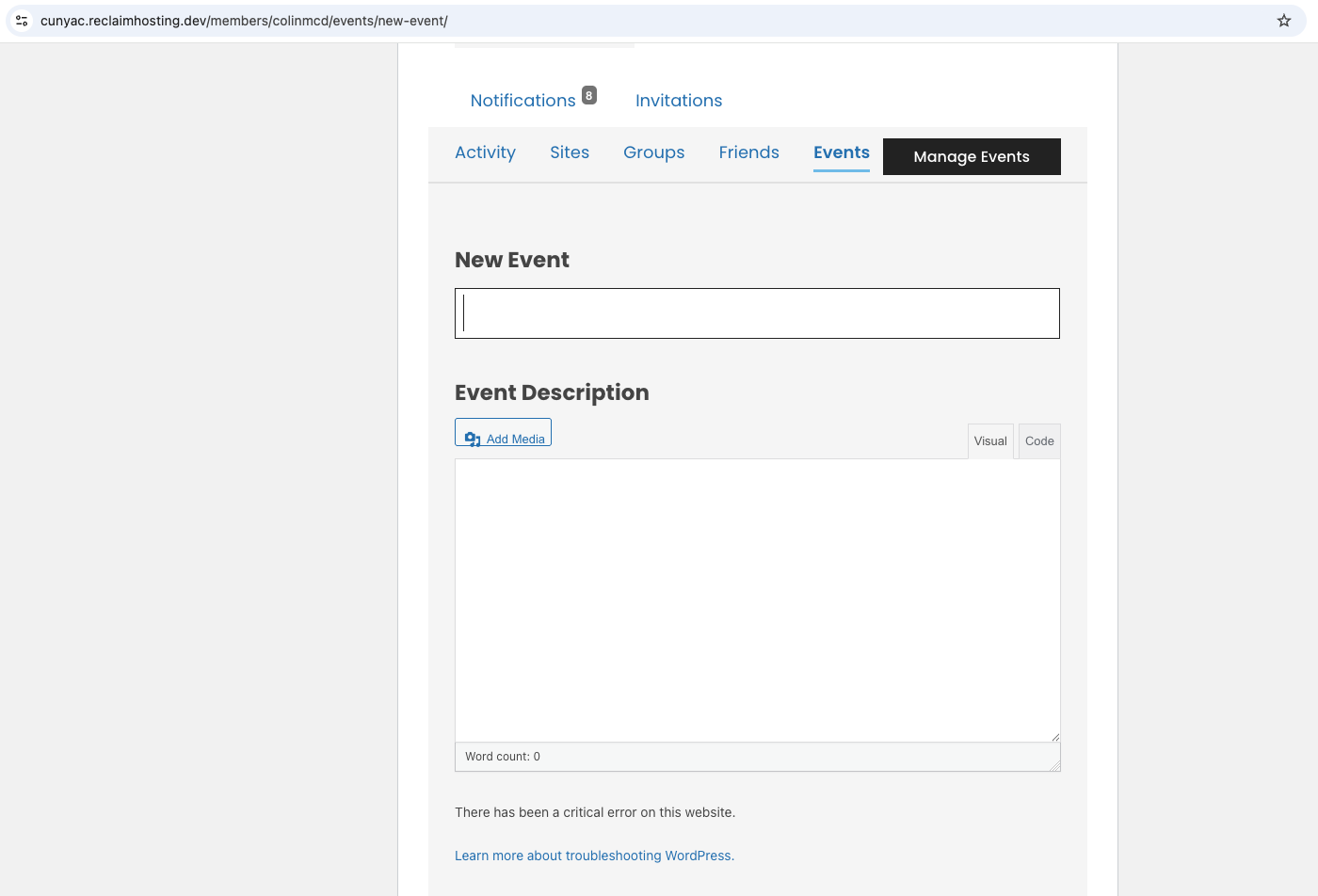
- File new-event-error.png new-event-error.png added
- File password-format.png password-format.png added
A few notes from testing below. I'm happy to break some or all of these out into individual tickets, but I thought I'd keep it condensed to start:
- I'm not seeing a formatted version of the lost password email. Is that potentially on my end? Gmail screenshot attached.
- I'm getting a critical error (screenshot) when trying to create a new event and test that email.
- What's the best way to generate an "unregistered user invited" email to test?
- Is the "Existing user invited to group/site" when you invite someone who is already a member, or something else? Having trouble generating the email.
Updated by Raymond Hoh about 1 year ago
Hi Colin,
The Password Changed email was not covered as part of the Reset Password email redesign (see #21409), but the Reset Password email was. I'll work on adding this. See #23743.
For the fatal error when creating a New Event, cdev was not running the latest version of our events organiser codebase. I've just addressed this. Let me know if this is working for you now.
For the "unregistered user invite" email:
1. Navigate to either your "Commons Profile > Invitations" page and click "Invite Members" or navigate to a group you are a member of and click on the "Send Invites" tab.
2. This will open up the Invites modal.
3. Send an invite "By email (New Member)". Make sure the entered email address is someone that is not a member of the Commons.
4. Go through the rest of the invite modal flow by selecting groups or sites for the invite and then create the invite.
5. An email should arrive at the invited user's email address.
For the "Existing user invited to group/site" email:
1. Navigate to either your "Commons Profile > Invitations" page and click "Invite Members" or navigate to a group you are a member of and click on the "Send Invites" tab.
2. This will open up the Invites modal.
3. Send an invite "By Name (Current Member)". Enter in some usernames to invite.
4. Go through the rest of the invite modal flow by selecting groups or sites for the invite and then create the invite.
5. An email should arrive at the invited user's email address.
Update: On cdev, I just did a test to invite an existing user and that user did not receive an email. Might be related to #23447 / #21754.
Updated by Colin McDonald about 1 year ago
I just tried the two flows in Ray's note above and wasn't able to get emails to deliver using them on dev or production, so it does seem like something is wrong with the email system.
Updated by Raymond Hoh about 1 year ago
Thanks for testing, Colin. I will look into implementing what I mentioned in https://redmine.gc.cuny.edu/issues/23447#note-10. Will get to this later today as I have to step out for a bit.
Updated by Raymond Hoh 12 months ago
For the invite modal emails, instead of the current async process, I've rewritten the email sending process to schedule a cron job one-minute into the future. The scheduled cron job will now send the invite emails. I've tested this on cdev for both an existing member invite and a non-member invite and this appears to be working.
Colin, can you test on cdev before I commit and deploy this on production?
Updated by Colin McDonald 12 months ago
Thanks Ray, I was able to get both of these emails delivered on production using the above workflows, and they look good! I am starting one other ticket now about default images, which might just be a dev site thing, but otherwise I think we're good to go.
Updated by Raymond Hoh 12 months ago
Thanks Ray, I was able to get both of these emails delivered on production using the above workflows, and they look good!
Colin, just wanted to make sure, but were you testing on cdev or on production? Because I haven't rolled out the invite cron job on production yet.
Updated by Colin McDonald 12 months ago
Sorry, I meant cdev! And #23766 is the other ticket I mentioned about default images.
Updated by Colin McDonald 12 months ago
Ray, I think we've gotten a user report or two about this over the last couple of days. Maybe we should push the fix live as soon as we can?
Updated by Raymond Hoh 12 months ago
I've added the invite email cron job fix in https://github.com/cuny-academic-commons/cac/commit/f4dcc83219558200be0c9d5e850d0e798b825550 and have pushed the fix to production.
Updated by Raymond Hoh 12 months ago
- File email WP-CLI commands.txt email WP-CLI commands.txt added
- Status changed from New to Staged for Production Release
Boone, I've attached the WP-CLI commands to use during v2.6.0 deployment, which will update all the email posts needed on production.
Updated by Boone Gorges 12 months ago
- Status changed from Staged for Production Release to Resolved
Thanks so much for compiling these commands, Ray! I've run all the updates.